January 11, 2026 • 6 min read
I Built an AI Clip Tool in 5 Hours. Here's What Happened to My LinkedIn Reach.
I Built an AI Clip Tool in 5 Hours. Here's What Happened to My LinkedIn Reach.
I was spending an hour per YouTube video manually extracting short-form clips for LinkedIn, TikTok, and Instagram. Copy transcript into ChatGPT. Get timestamps. Open CapCut. Scrub timeline. Match everything up. Add captions. Format for each platform.
An hour. Every single video.
I could only sustain 2 to 3 clips per week while juggling school, a full-time job, and side projects. I needed a better system.
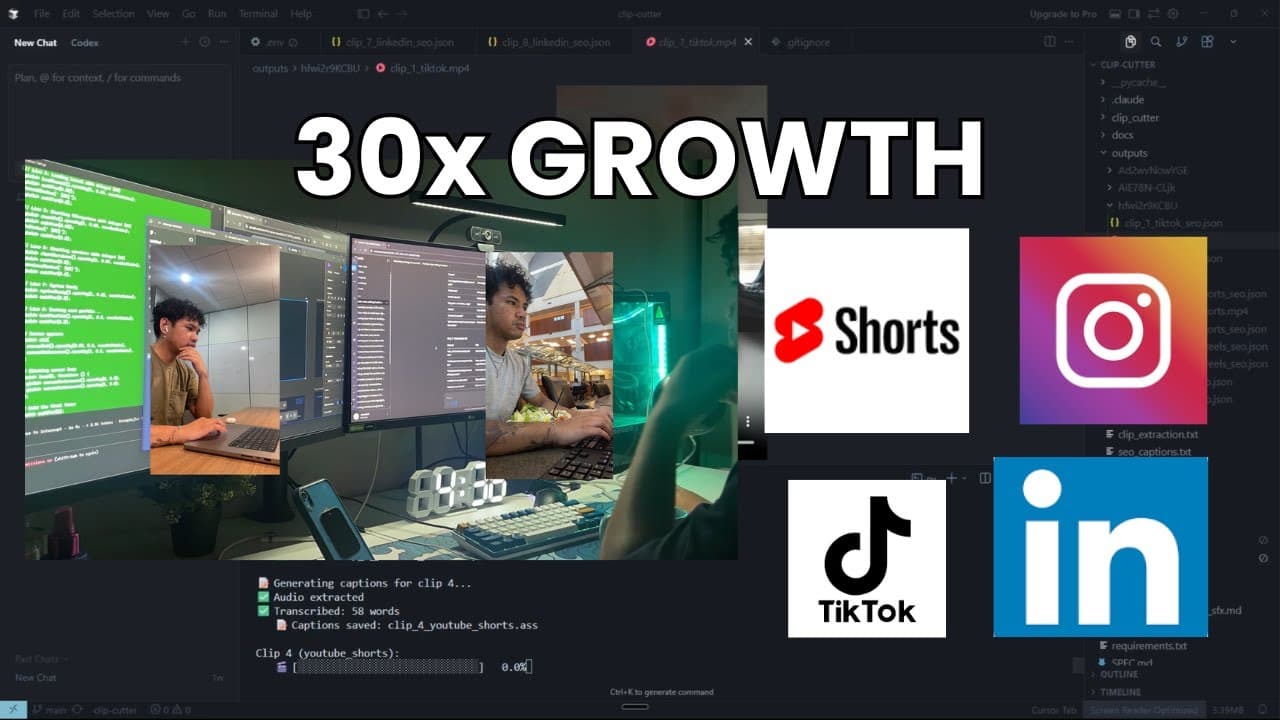
So I spent 5 hours building clip-cutter, a Python CLI tool that automates the entire pipeline from YouTube URL to platform-ready clips with SEO captions. Three weeks later, my LinkedIn impressions went from 21 to 7,837. That's 30x growth.
Here's how the tool works and what the real metrics looked like.
The Problem: Manual Clipping Kills Consistency
I'm a CS student at UNLV. I work 9-to-5. I'm building a terminal UI task manager called Zenergy on weekends. I run a freelance website business. And I'm trying to post content consistently to build distribution for later when I actually need recruiter visibility or client leads.
The bottleneck was distribution. Creating the YouTube video took 3 to 4 hours. Extracting clips for social platforms added another hour on top of that. When you're already stretched thin, that extra hour is the difference between posting consistently and burning out.
I was only getting 2 to 3 clips posted per week. That's not enough volume to see what works or to build real momentum on any platform.
The Solution: 6-Step Automation Pipeline
I built clip-cutter in one 5-hour session. It's a Python CLI tool that turns a YouTube URL into platform-ready vertical clips with captions and hashtags.
Here's the system:
Step 1: Download
Pass in a YouTube URL. yt-dlp downloads the video and auto-generated captions in VTT format.
Step 2: Parse
The script parses those captions into a timestamped transcript. Every line tagged with the exact minute and second.
Step 3: AI Analysis
Send that transcript to Google's Gemini API. I wrote a prompt that tells it to look for viral triggers: surprising statistics, micro-problems solved in under 60 seconds, contrarian takes, before-and-after moments.
Gemini returns 8 to 12 clip opportunities with exact timestamps and platform recommendations (TikTok, YouTube Shorts, Instagram Reels, LinkedIn).
Step 4: Selection
I pick which clips I want to render from the CLI interface.
Step 5: SEO Generation
For each selected clip, the tool hits Gemini again with web search enabled to generate trending hashtags and platform-specific captions. LinkedIn gets professional framing. TikTok gets casual hooks.
Step 6: Render
FFmpeg renders the clips in 1080x1920 vertical format with blurred background, sharp center overlay, and optional animated subtitles from AssemblyAI.
YouTube URL in. Platform-ready clips with SEO out.
What used to take 1 hour per video now takes 20 minutes. I went from posting 2 to 3 clips per week to being able to post 9 to 15 clips per week without adding time to my schedule.
The Metrics: What Actually Happened
I've posted 4 YouTube videos total. View counts range from 29 on the low end to 584 on the high end.
That 584-view video was "Built a startup for 5 months. Got 0 users. Would do it again." It performed better than my other videos because the hook was strong: specific stat, vulnerable admission, contrarian lesson.
I took clips from that 584-view YouTube video and posted them to LinkedIn. The best-performing LinkedIn clip got 1,430 impressions and 560 video views.
Let me repeat that: My YouTube video got 584 views. The LinkedIn clip from that same video got 1,430 impressions.
LinkedIn outperformed the source video by more than 2x in impressions.
But here's what matters: Impressions aren't the same as views. Impressions just mean someone scrolled past it in their feed.
The real numbers on that post:
- 1,430 impressions
- 560 video views (people actually watched it)
- 12 profile viewers from that post
- 0 followers gained
- 10 reactions, 3 comments, 1 save
So what does that mean? 560 people watched the clip. 12 of them clicked on my profile. None of them followed me. No recruiter messages. No client inquiries. Just visibility.
Compare that to my average post: 415 impressions, 97 video views, 5 reactions, 4 comments. Way lower reach, but actually more engaged comments per view.
Zooming out: Before I started using clip-cutter, my total LinkedIn impressions were 21 on December 12th. As of January 7th, I'm at 7,837 total impressions. That's 30x growth in less than a month.
I've posted 9 clips total across platforms. YouTube views are still small. My channel is tiny. But LinkedIn is showing me that consistent posting reaches more people every week.
The Real Insight: ROI Isn't Time Saved
The 2 hours I've saved so far with clip-cutter is nice. But that's not the point.
The real ROI isn't time saved. It's output I wouldn't have created otherwise.
I'm now posting 5 times more clips than before. That's 5 times more chances for someone to discover my work. 5 times more proof I can build and ship things. 5 times more distribution without burning out.
That best-performing LinkedIn post got 1,430 impressions and 0 followers. Those are vanity metrics.
I'm not trying to land a job this month. I'm not trying to close UGC deals yet. I'm not optimizing for followers.
I'm building distribution infrastructure so that when I DO have something to promote (my SaaS project, a freelance service, a job search), I don't start from zero.
The 7,837 impressions I generated in less than a month proved to myself that I can make noise. That I can show up on people's feeds consistently.
That's the foundation everything else builds on.
Technical Stack Breakdown
For anyone wanting to build something similar, here's what I used:
Core Technologies:
- Python for the CLI orchestrator
- yt-dlp for video and caption downloads
- Google Gemini API (gemini-3-pro-preview for clip identification, gemini-3-flash-preview with search grounding for SEO)
- AssemblyAI for word-level transcription and animated subtitles
- FFmpeg for all video processing (trim, blur, overlay, encode)
Key Files:
clipper.pyhandles the main CLI and user interactionclip_cutter/models.pycontains the clip dataclass (timestamps, platform, hook)clip_cutter/seo.pygenerates SEO captions and hashtags with web searchclip_cutter/captions.pymanages transcription and TikTok-style animated subtitlesclip_cutter/render.pyhandles FFmpeg video composition
Output Structure:
Each video gets its own folder with platform-specific clips and accompanying SEO data:
outputs/video_id/ clip_1_tiktok.mp4 clip_1_tiktok_seo.json clip_2_youtube_shorts.mp4 clip_2_youtube_shorts_seo.json
The tool respects platform constraints: TikTok gets 21-34 second clips, YouTube Shorts 30-58 seconds, Instagram Reels 15-30 seconds, LinkedIn 45-90 seconds.
What I'm Tracking Next
I'm going to keep using this tool and posting clips for the next few weeks. I want to see if volume converts into anything tangible: recruiter reach-outs, follower growth, client leads.
Right now I have impressions and video views. Those feel good but they don't pay bills or land jobs.
I'll update with real numbers in 2 to 3 weeks: what worked, what didn't, whether LinkedIn keeps outperforming YouTube or if that was a fluke.
The Lesson: Build Tools That Scale Output
If you're building something, the lesson here is simple: build tools that let you scale output without adding more time to your week.
I built clip-cutter in 5 hours. It already unlocked 5x more reach for me. The time investment paid back in the first week.
The real value isn't the automation itself. It's that I can now post consistently without sacrificing the things that actually matter: school, work, relationships, sleep.
Consistency beats intensity. You can't out-hustle burnout. But you can out-system it.