January 5, 2026 • 5 min read
I Built Authentication for My SaaS This Week. Here Are 4 Things I Learned the Hard Way.
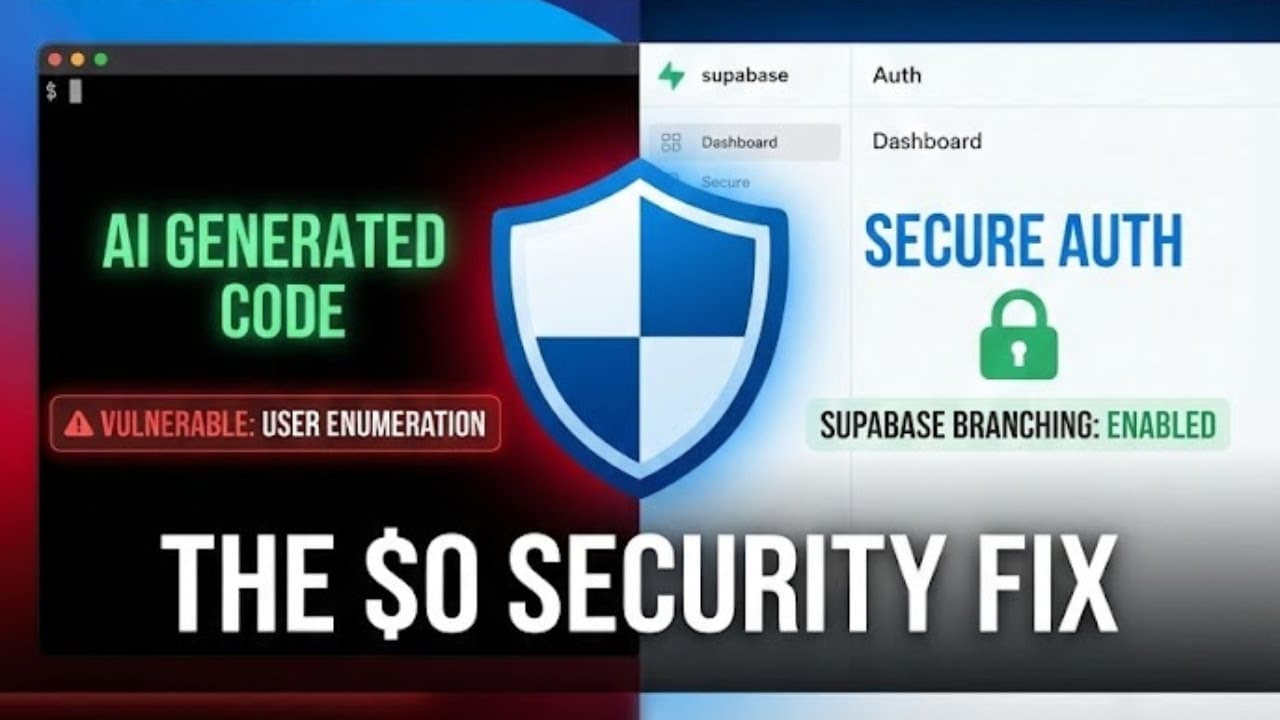
I spent this week building the authentication system for Zenergy, a terminal-style task manager for developers dealing with burnout. Login, signup, password resets, the whole flow.
I ran into four problems that most tutorials skip over. If you're building your own side project or indie dev tool, here's what I wish someone had told me before I started.
Problem 1: AI Can Build It, But Can't Tell You If It's Secure
I asked Claude Code to build authentication endpoints. It worked. Everything functioned fine. Login worked. Signup worked. Password reset worked.
But I had no idea if it was secure.
Here's what I changed: Instead of just prompting "build me a login system," I started asking "what security issues am I missing with my authentication system?"
For every feature I built, I asked:
- What injection attacks could happen here?
- What are the enumeration risks?
- What should I validate in terms of input?
Example: User Enumeration
My initial error messages were different depending on what failed:
- "Email doesn't exist"
- "Wrong password"
See the problem? An attacker can type random emails until they get a different error. "Invalid email" becomes "invalid password" once they hit a real account. Now they know that account exists.
That's user enumeration.
The fix was simple: use a generic error message for both cases. "Invalid email or password." Enumeration becomes impossible.
The takeaway: Ask AI to teach you what you should be worried about, then use that output to fix it. You're still learning while making your app less vulnerable.
Problem 2: Database Branching Without Paying $10/Month
Supabase has a database branching feature. It's $10 per month. I found a way to do it for free and it works better for Zenergy.
The problem: Testing in production can break things for real users. You need separate environments.
The workaround: Two separate Supabase projects, both on the free tier (500MB each). One for dev, one for production.
Here's how I move changes from dev to production:
- Link to dev database
- Pull the schema as SQL files
- Link to prod database
- Push those SQL files to prod
- Track everything in Git for version control
If anything goes wrong, I can see exactly what changed and debug faster.
MCP Configuration
I use Model Context Protocol (MCP) to let Claude Code connect to my dev database for query help. It never touches production.
The config tells Claude Code which project to connect to. I set the project ID to my dev environment, not production. I also set it to read-only in the arguments.
Everything is version controlled. If something breaks, I know exactly what I changed.
Problem 3: Rate Limiting Without Redis
Rate limiting prevents brute force attacks. You should only be able to try logging in 5 times per minute.
The problem: Serverless functions have no memory between requests. They spin up in different containers. In-memory counters reset every time. You can't track rate limits this way.
Most people use Redis. I just used Postgres since I already have it with Supabase.
The solution: A table called auth_rate_limit that tracks:
- IP address
- Attempt count
- Time window
I also wrote a Postgres function that:
- Checks if you're over the limit
- Resets the counter if the time window expired
- Increments the counter if you're under the limit
- Blocks you if you're over
All of this happens atomically, so there are no race conditions even with simultaneous requests.
Why I limit by both IP and email:
Shared Wi-Fi means multiple people on the same IP. I don't want one person's failed logins to lock out everyone at a coffee shop.
Email limiting means you can't spam someone else's email with password reset requests.
Fail open, not closed:
If Postgres is down and the rate limit check fails, I let the request through anyway. This is called "failing open."
If your rate limiter blocks everyone during an outage, you've made the problem worse. Better to let some traffic through than block all legitimate users.
Problem 4: Custom Auth Emails Without SMTP
Supabase sends basic auth emails by default. Plain text. Really hard to brand. You can customize them, but you need SMTP servers and I didn't want to set those up.
The solution: Supabase + Resend
Here's the flow:
- Supabase auth hooks trigger a webhook when someone signs up
- That webhook calls an Edge Function in Supabase
- The function builds a custom HTML email and sends it via Resend
Resend gives 3,000 free emails per month plus audience management. I can automatically add signups to my mailing list.
My email template:
Dark terminal aesthetic that matches Zenergy's branding. Simple HTML.
The most important part: escapeHTML() on the user's name.
This prevents XSS attacks. If someone sets their name to <script>hack()</script>, the escape function converts it to safe text instead of executable JavaScript.
I also remove control characters (invisible stuff like newlines and null bytes that could break formatting).
One serverless function. No SMTP setup on my end. Everything version controlled with all the email templates.
What's Next
Next week I'm building the actual task management features. The terminal UI for creating and tracking tasks. I'm also implementing AI that analyzes patterns to predict burnout before it happens.
The auth system is done. It's secure. It scales. And I learned more building it than I would have copying a tutorial.
If you're building your own side project, don't just ask AI to build features. Ask it to teach you what could go wrong. Then fix it yourself.
You'll ship faster and actually understand what you built.